
DuliDuli Open Platform
EN

简体中文
繁體中文
English

How to Use the Group Bot
The bot currently supports joining group chats and can be used to push app notifications.
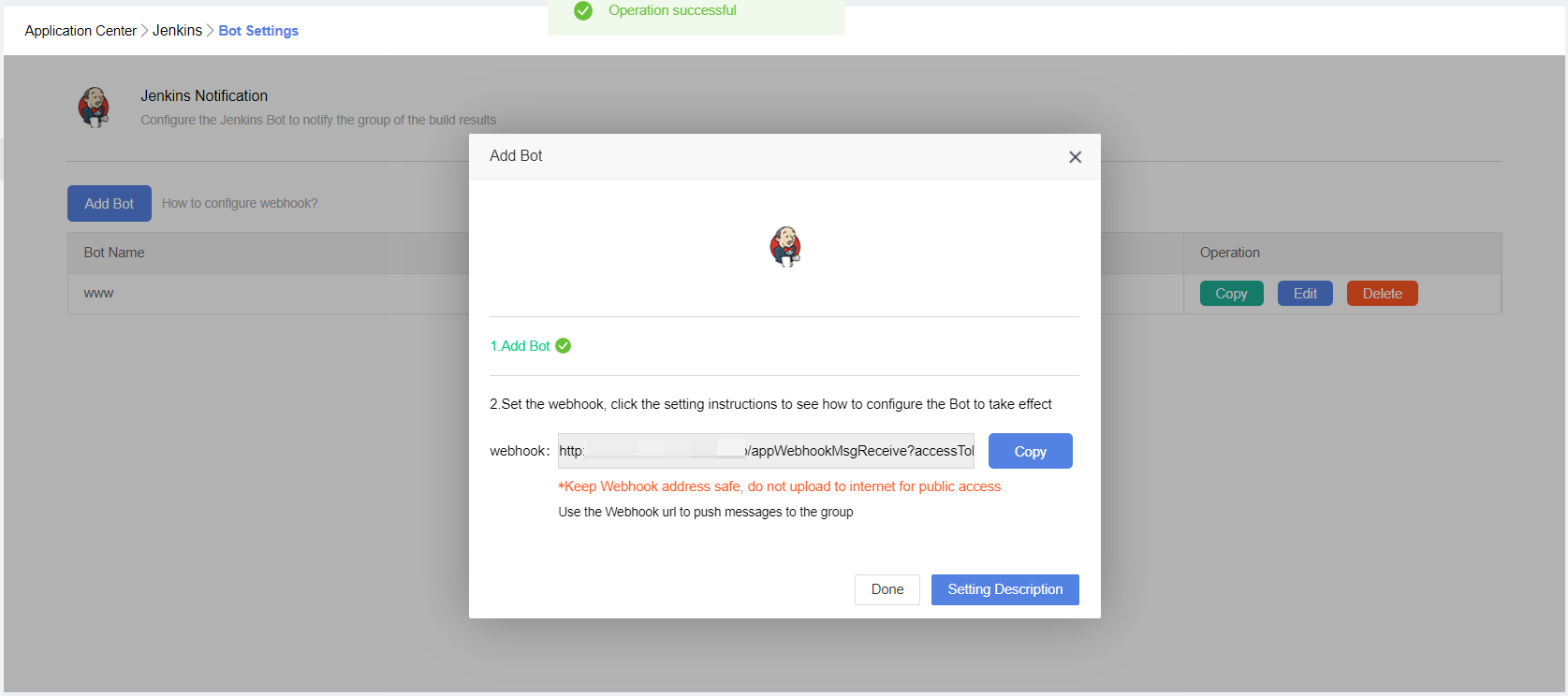
• After adding a bot to a group in the terminal, the creator can see the bot's unique webhook URL on the bot details page. Developers can send an HTTP POST request to this address as described below to send messages to the group. Here's a simple example. Suppose the webhook is:https://xxx../app/appWebhookMsgReceive?accessToken=LOHcr%2Bt9qR4NajdqYrx9JBw%2FrlsxITtgclmWFFmidZ6O8SITNXzVagTglXgG3Qi9Xkko7PW6wSSDBFeaPSWLuQzQ77pZqtCUYyH%2B9O8pMtjzrOXMnFJDpcbhctGALoNf
Important Note: Be sure to protect the bot's webhook URL and avoid leaking it! Do not share it on GitHub, blogs, or other publicly accessible places, otherwise malicious users could use your bot to send spam messages.
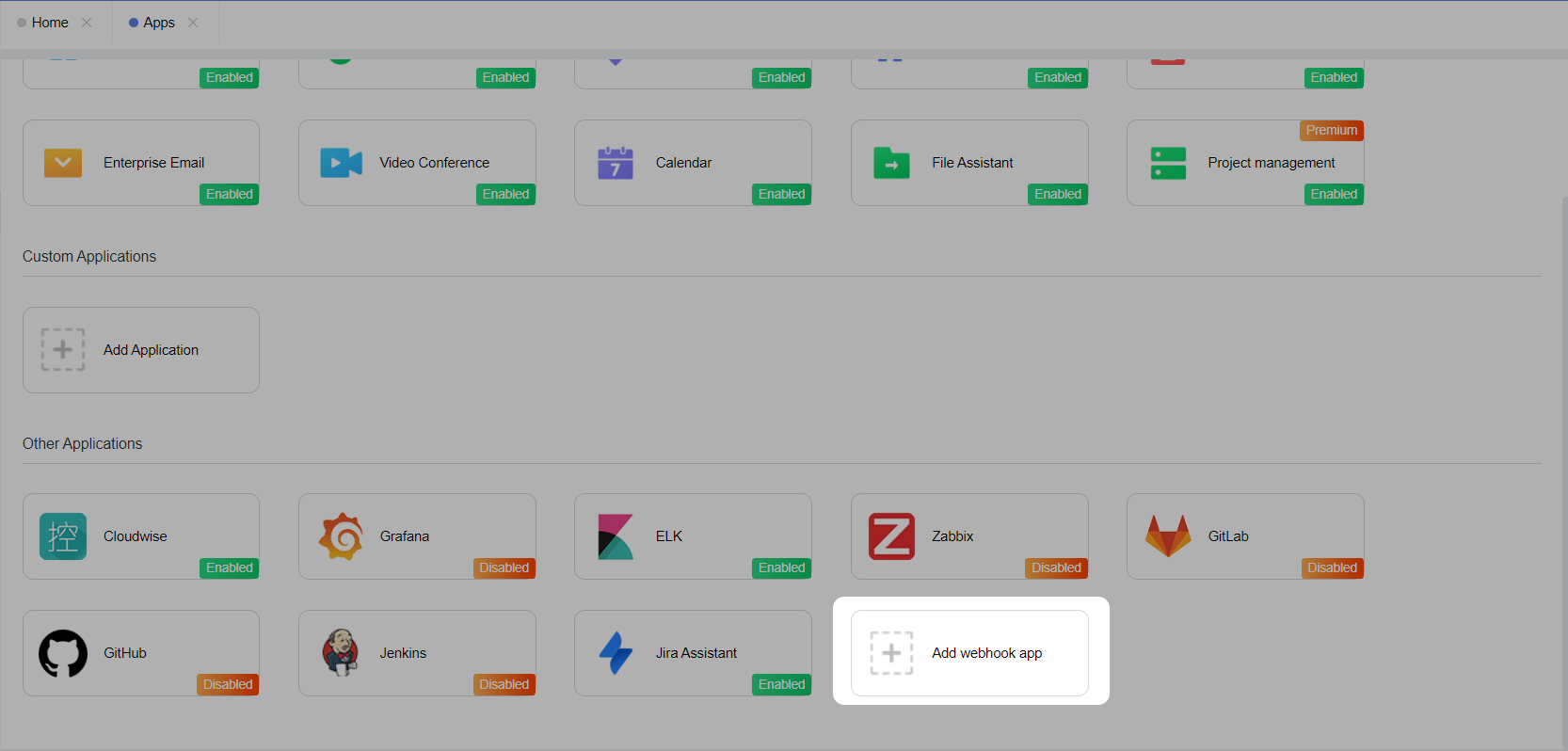
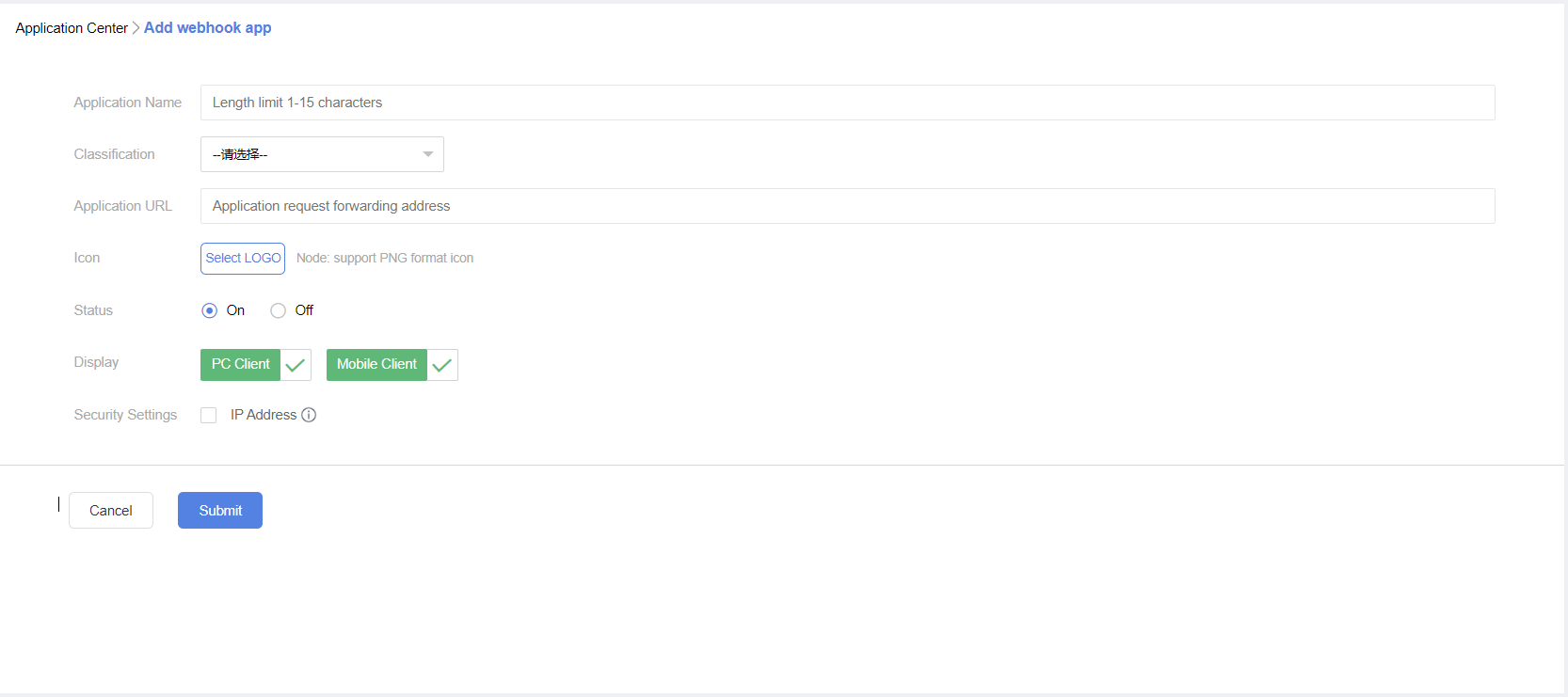
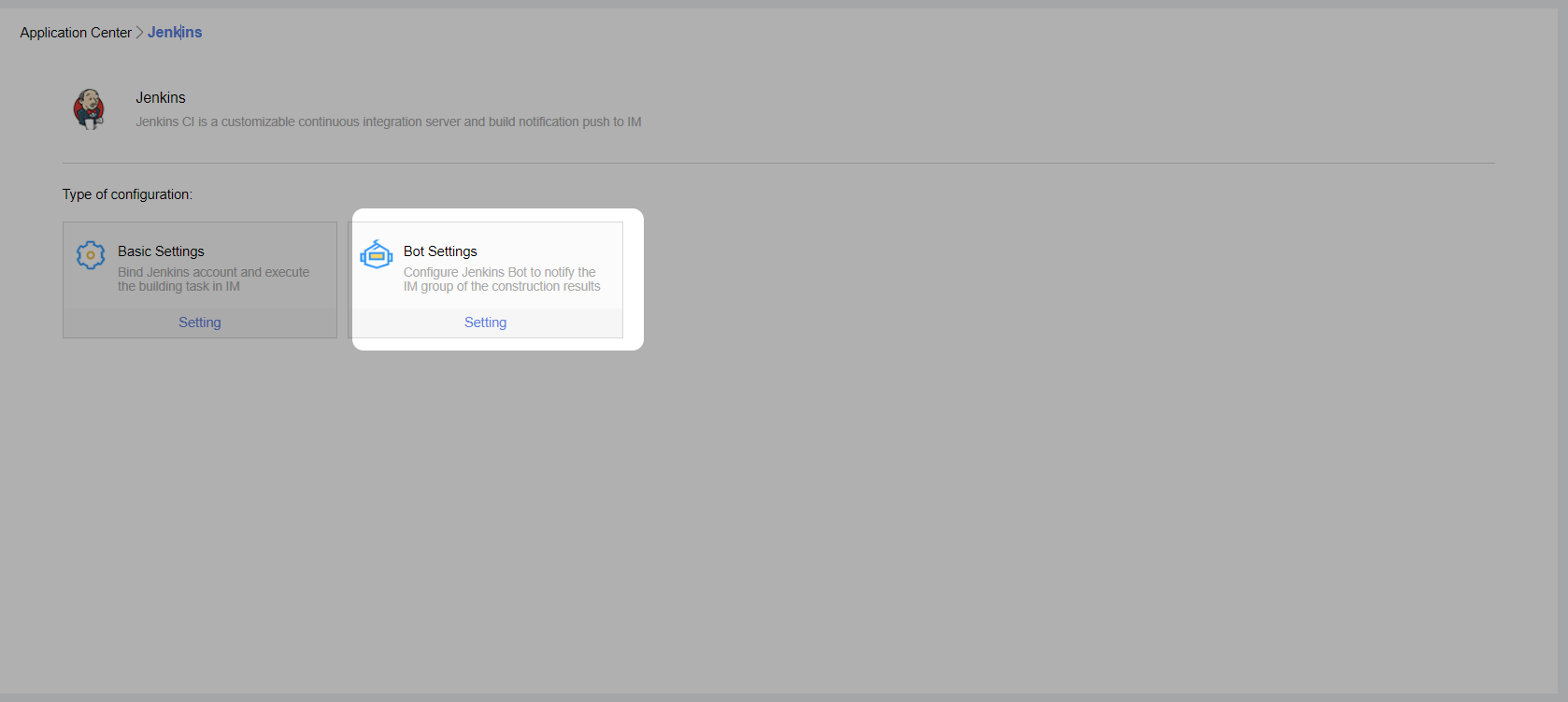
2.Obtain the webhook URL.
Request Instructions
Make a POST request to the URL: (Note: Replace the URL with your bot's webhook address)https://xxx../app/appWebhookMsgReceive?accessToken=xxxx
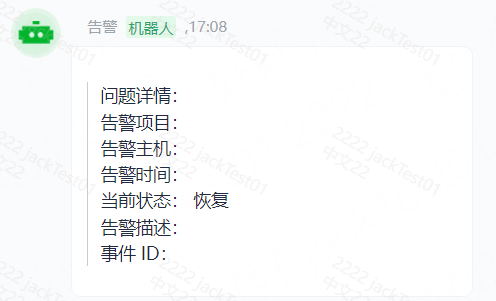
1.Text Message:
Parameters | Required | Description |
title | Y | Message type, fixed as "text" at this time. |
content | Y | Text content, up to 2048 bytes in length, must be UTF-8 encoded. |
mentioned_list | N | List of user IDs to mention specific members in the group (@someone), @all to mention everyone. If the developer cannot obtain user IDs, they can use mentioned_mobile_list. |
mentioned_mobile_list | N | List of mobile numbers to mention group members corresponding to the numbers (@someone), @all to mention everyone. |
Example Image:
2.Card Message 1:
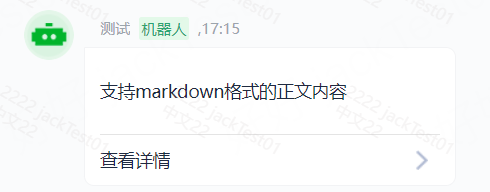
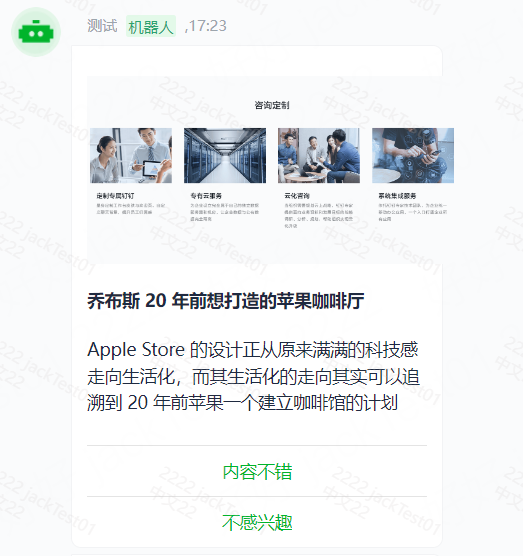
3.Card Message 2:
Example Image:
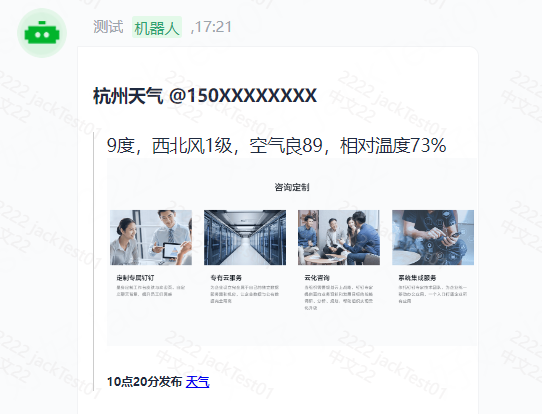
4.Markdown Message
Example Image:
Error Codes
code | message | Desc |
500 | err_message_resolve | Parameter parsing failed, unable to retrieve appId. |
500 | IP limit | Not in the application whitelist. |
500 | Webhook address invalid | Invalid webhook address. |
500 | AppId error | Invalid appId. |
500 | AppId closed | Backend application not enabled. |
0 | fail in send | System exception. |
